Welcome to Photography Mad
Photography tips, tricks and tutorials.
Photography Tips
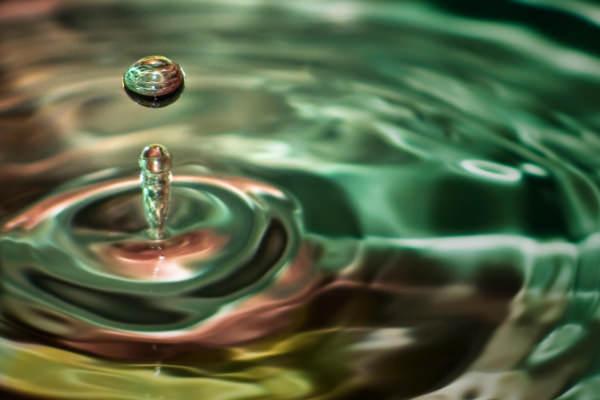
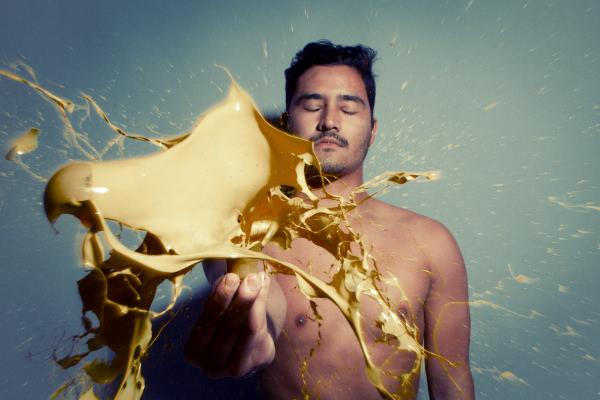
More >Photographing Water Drops
Learn how to freeze time and capture water drop photos that are packed full of life.
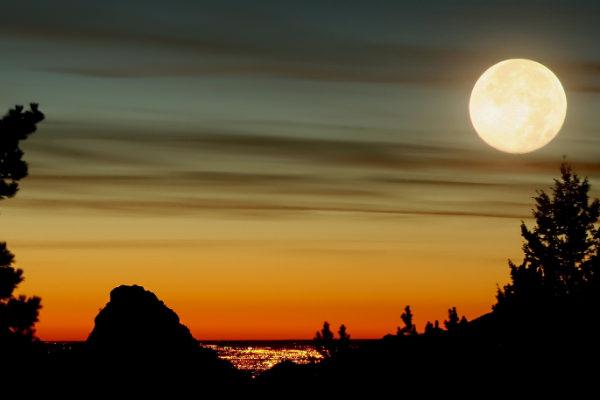
How to Photograph the Moon
Moon photography is harder than it seems. Use these tips to get your lighting, camera settings, and composition spot on for taking photos of the Moon.
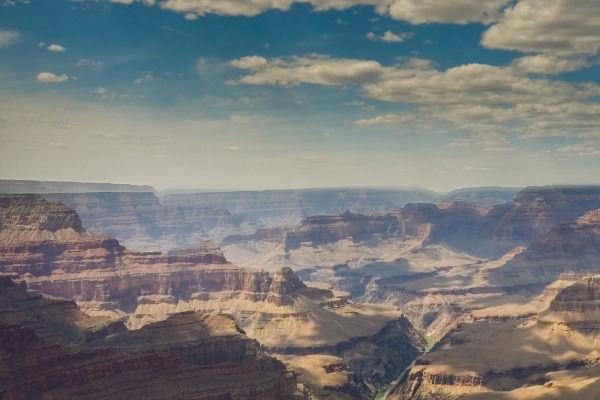
Shooting Vertical Panoramas
Vertical panoramas offer a unique and interesting alternative to the normal horizontal kind. Use them in your photography to provide an unusual view.
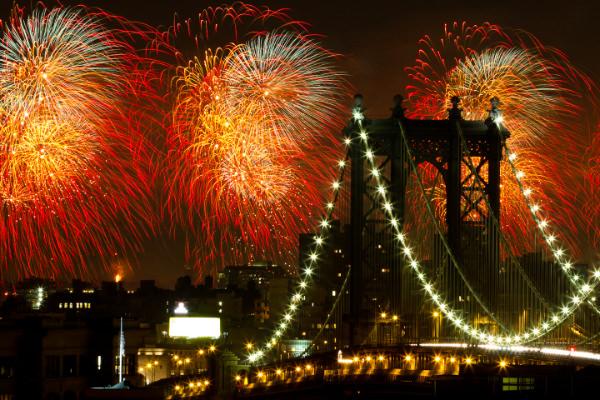
A Guide to Firework Photography
Next time you're celebrating a special occasion with fireworks, follow these tips to photograph some truly memorable shots.
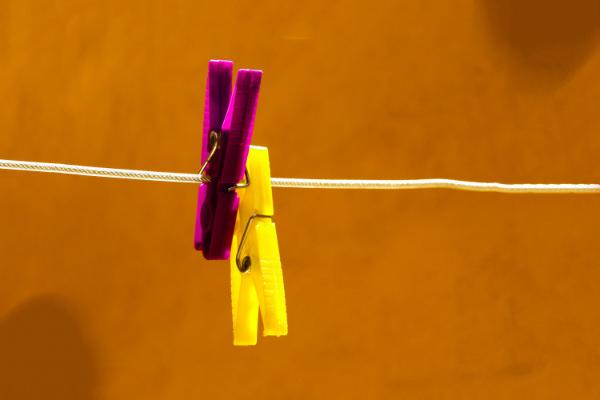
What is Colour Temperature?
Colour temperature is a measure of a light's colour. Mastering it will help you keep your shots looking accurate and free from unnatural colour casts.
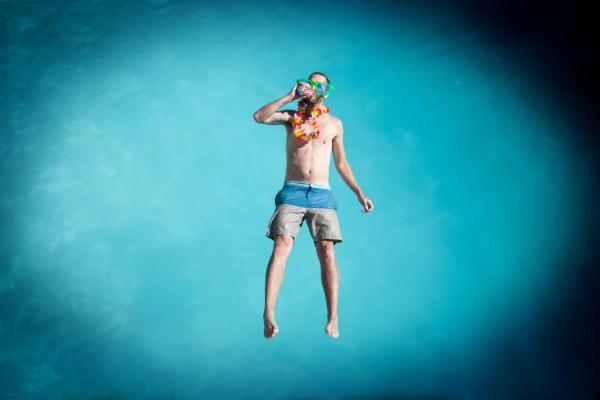
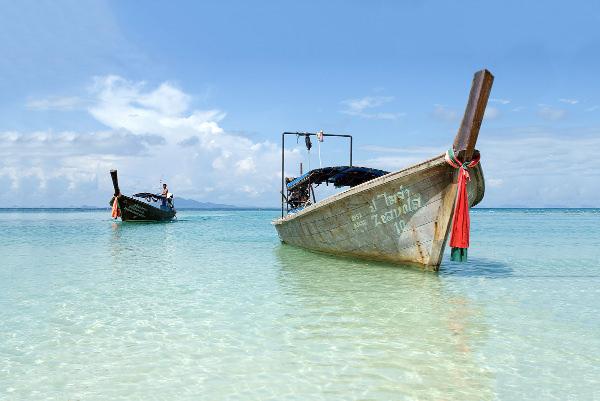
Beach Photography Tips
Beaches are crammed full of interesting photo opportunities. Follow these tips to get the most out of them on your next holiday.
Equipment
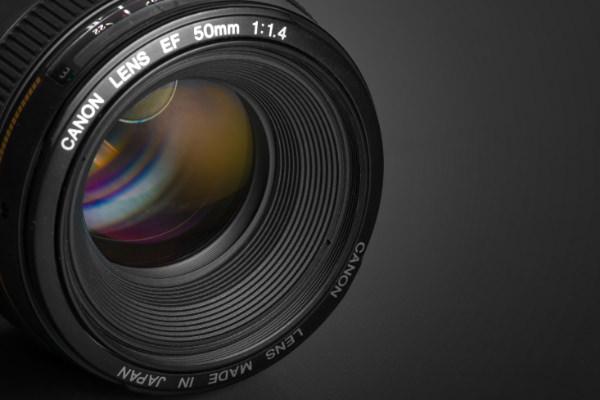
More >Standard Lenses
A standard lens has a similar angle of view to the human eye, giving photos a natural feel. They are versatile and produce excellent image quality.
Using Focus Lock on Your Digital Camera
Sharp focusing is essential for a successful photograph. Use focus locking to help your camera get it spot on, and avoid blurred shots.
How to Hold a Monopod
Monopods are a great alternative to tripods for sports, wildlife, street photography, and more. Learn how to hold a monopod for maximum stability.
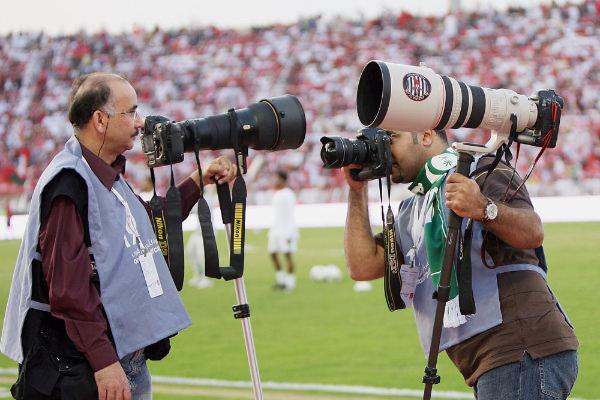
Telephoto Lenses
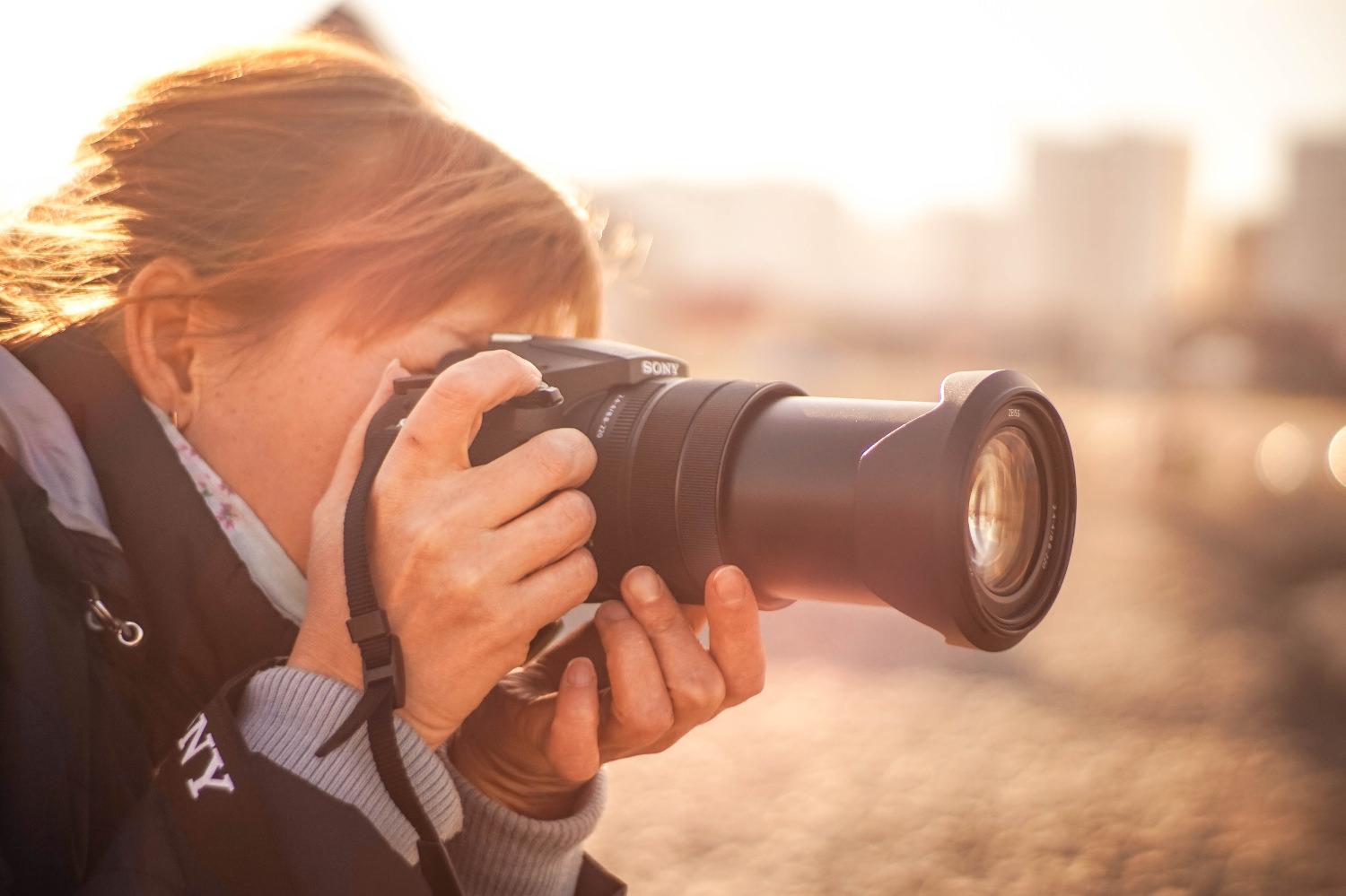
A telephoto lens is one designed for photographing distant subjects like wildlife and sports events. They are also used in portrait photography.
Shutter Speed: A Beginner's Guide
Shutter speed is a great tool for perfecting exposure, controlling blurring, and creating interesting effects. Discover what it is and how to use it.
Exposure, Aperture and Shutter Speed Explained
Aperture size and shutter speed add up to create our exposure. Learn how they work, and how to use them to get the creative effect you desire.

Post-processing
More >Creating a Vignette Effect in Photoshop
Vignetting, a darkening in the corners of a photo, is a popular creative effect. Discover how to add a vignette to an image using Photoshop.
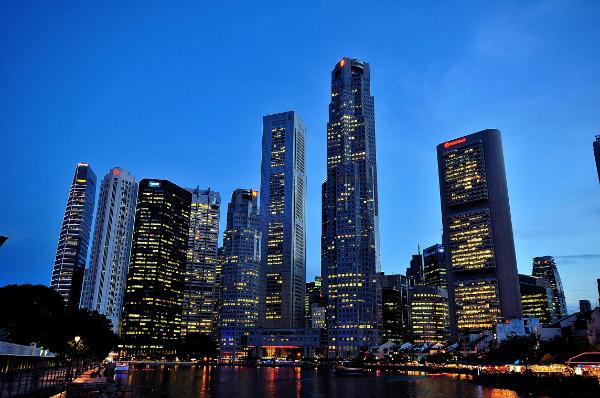
Fixing the Keystone Effect Using Photoshop
Keystoning is where a building seems to lean backwards in a photo. It's distracting but can be easily fixed with Photoshop's Lens Correction tool.
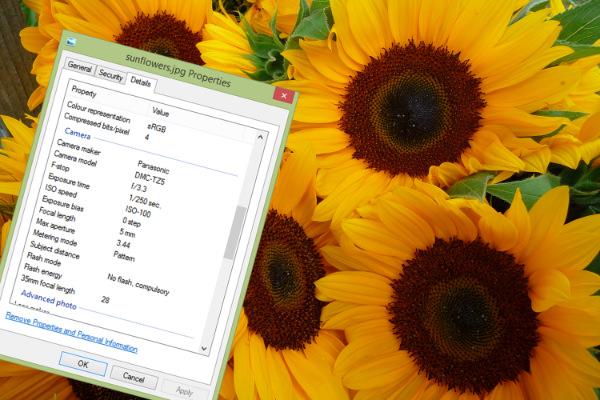
EXIF Data Explained
Learn everything you need to know about EXIF metadata - what it is, ways to view and edit it, and how you can use it to improve your photography.
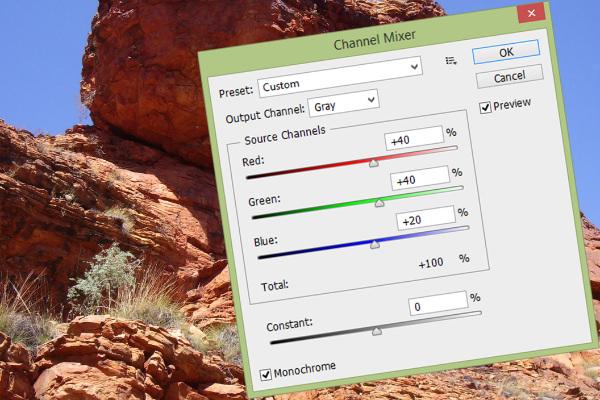
Convert a Colour Photo to Black and White
The Channel Mixer is easy to use but gives you complete control over the appearance of your photo when converting from colour to black and white.
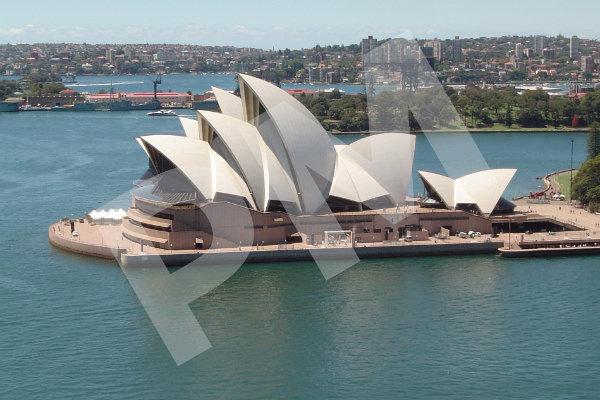
How to Add a Watermark to an Image in Photoshop
Watermarking your photos is a popular way to protect them. Learn how to create an effective, reusable text or logo watermark in Photoshop.
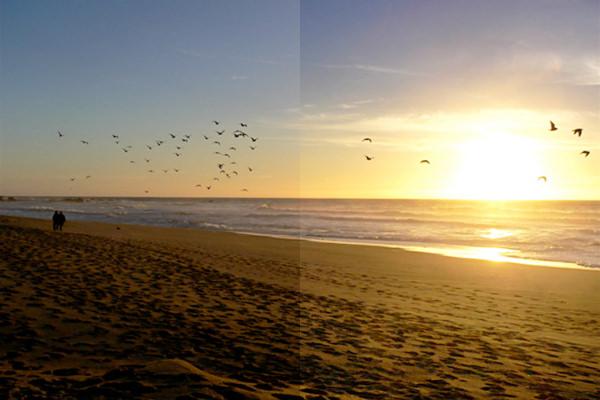
Imitating a Graduated Neutral Density Filter in Photoshop
A graduated neutral density (ND) filter helps balance exposure levels between the sky and ground. Learn how to replicate the effect in Photoshop.